

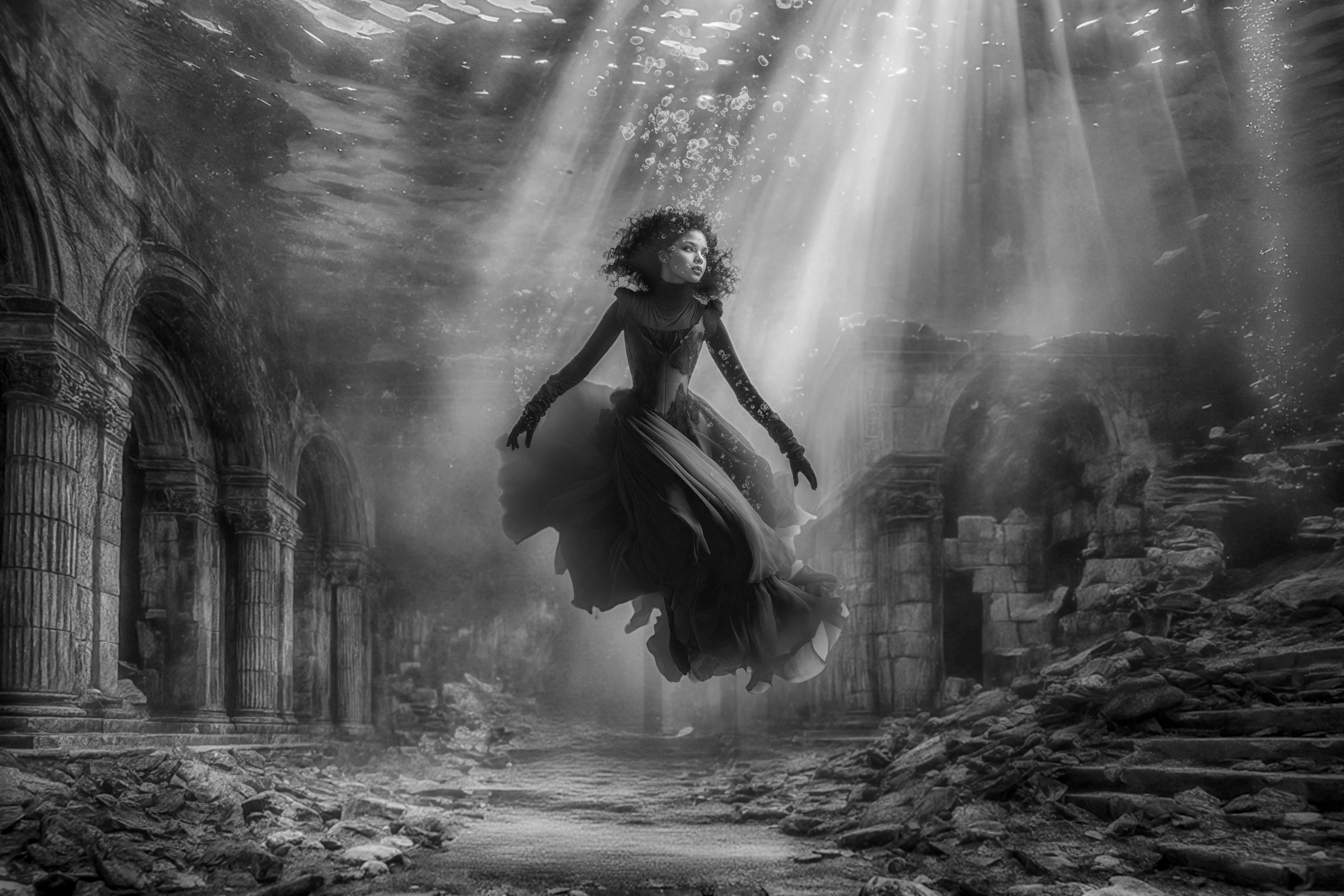
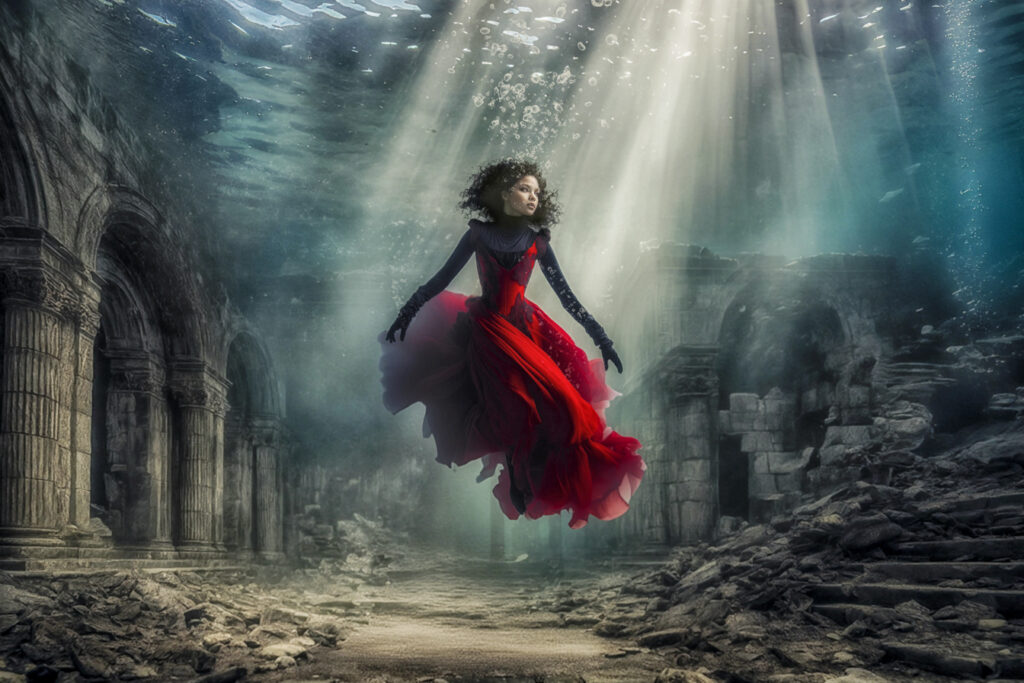
The final image above.
The image is a composite of three MidJourney prompts and a rigorous production process involving LR6, CS6 and Nik filters.
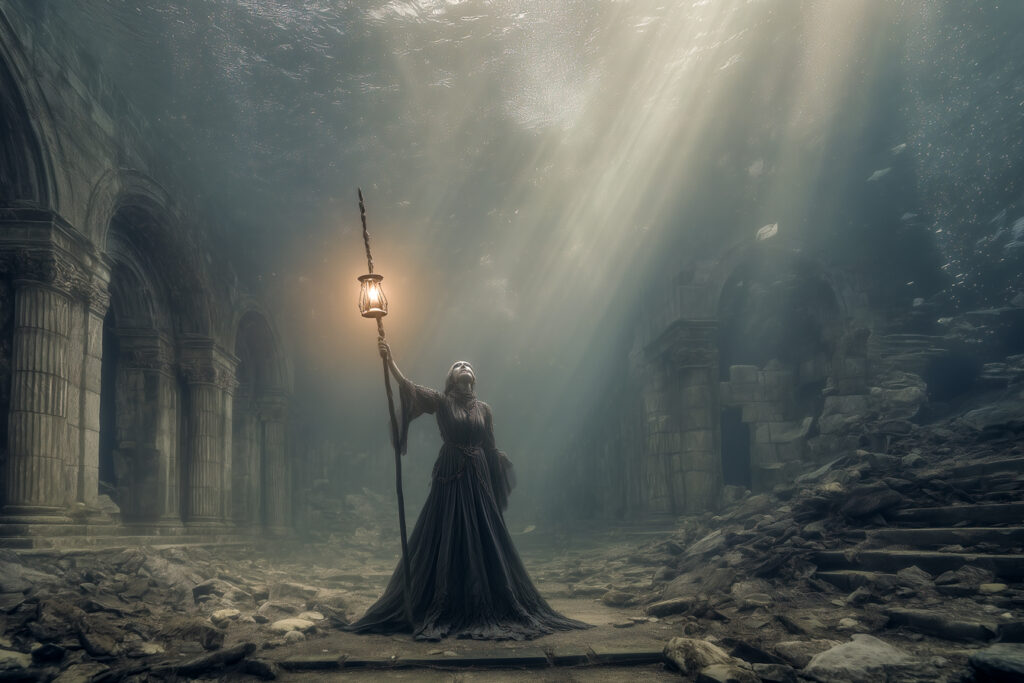
The original base image from Midjourney:
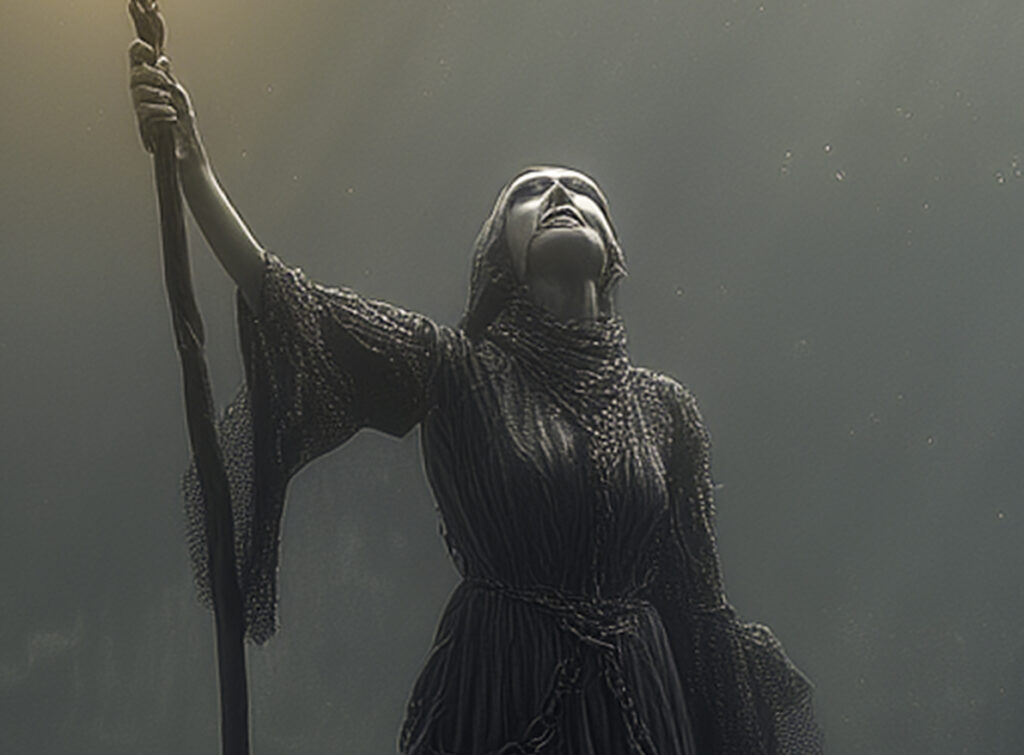
A close up of the hands and face shows the limitations of the generative process (note I expect this process to improve over the coming year, and even now, MidJourney may have improved the generation of these details)
I removed the woman from the image using FLUX Kontext in ComfyUI, and tightened the perspective in LR6.
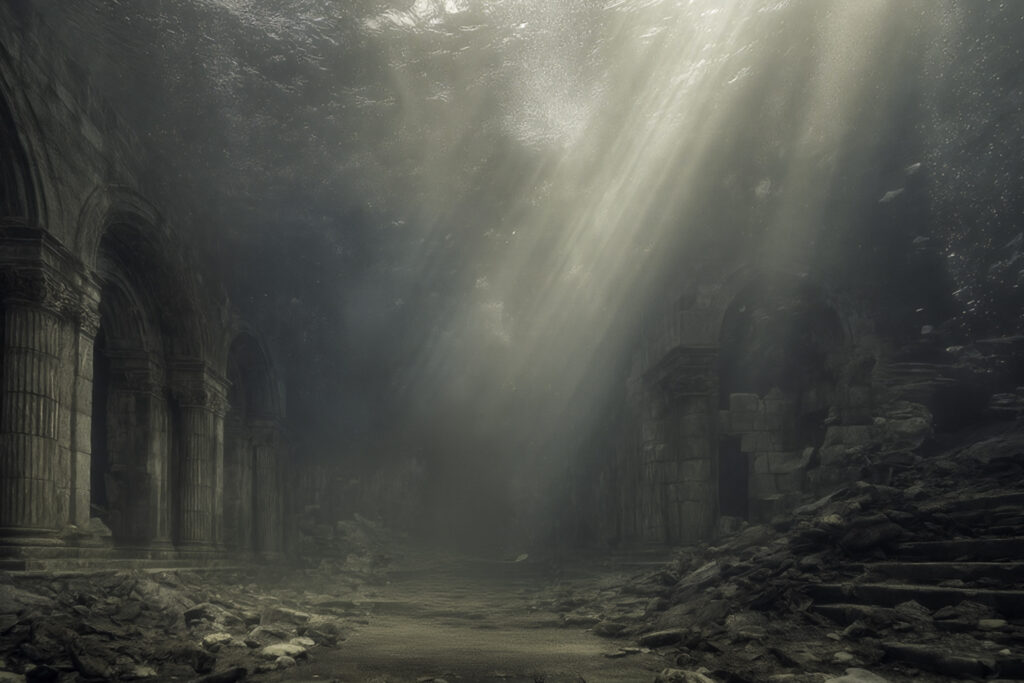
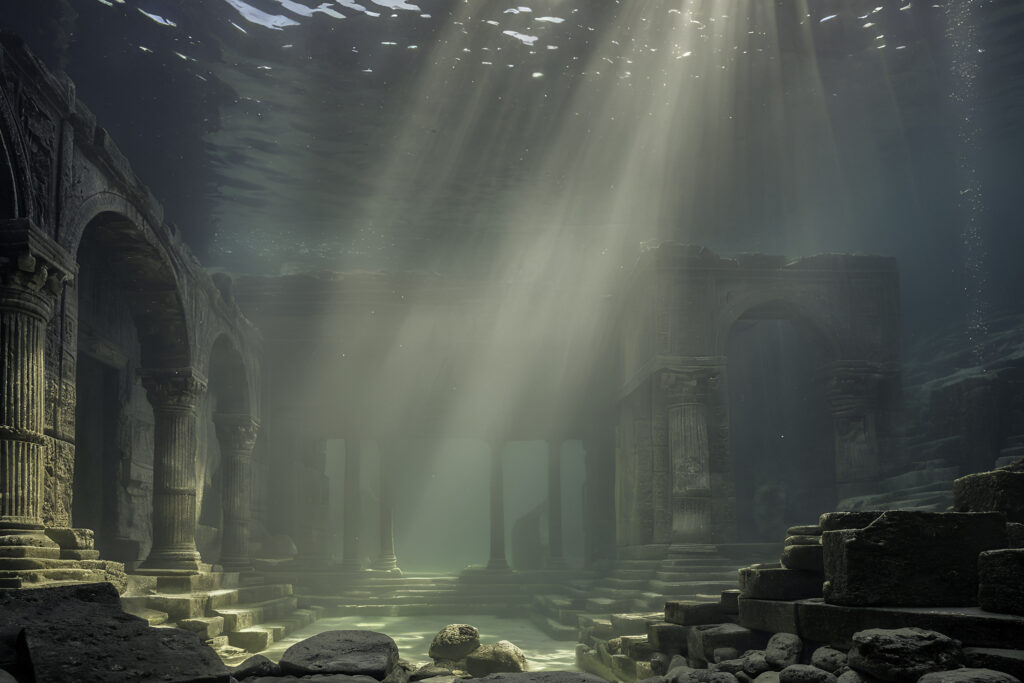
The light rays from the surface were too close to blown out for my liking, so I created another img2img in ComfyUI –
A photograph of an underwater scene featuring ancient, submerged temple ruins. The structure is composed of smooth stone with eroded carvings, columns, and steps leading up to an entrance. Sunlight filters through the water from above, creating soft beams of light that illuminate the scene and highlight the textures of the weathered stone. Eroded rocks and smooth debris are scattered around the base of the ruins, adding to the sense of age and abandonment. The water has a turquoise hue, and the overall atmosphere is serene and mysterious. Canon 5d. Cinematic lighting. Realistic photo.
Negative prompt: overly smooth skin, waxy/plastic skin, porcelain skin, doll/glassy eyes, extra fingers/limbs, bad anatomy, text, watermark, lowres, jpeg artifacts, harsh HDR halos, blown highlights, multiple people, grass, three arms, three legs
Steps: 25, Sampler: dpmpp_2m_sde_gpu_karras, CFG Scale: 5.5, Seed: 16466517075458928803, Size: 2688×1792, Model hash: f166e3d6dd, Model: cyberrealisticXL_v60, Version: ComfyUI
Which resulted in –
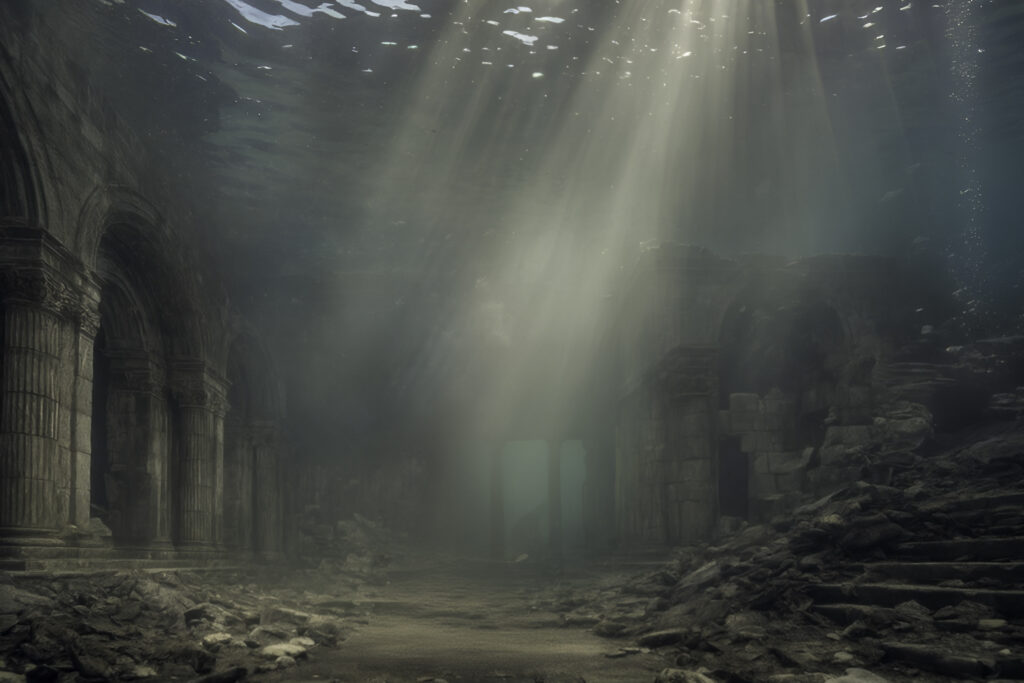
I merged the two backgrounds together in CS6 using a mask
Then I used another MidJourney creation for the subject – notice how allowing the AI generator to focus on a subject without the background usually produces better subjects. I removed the background from this image using Luminar Neo.
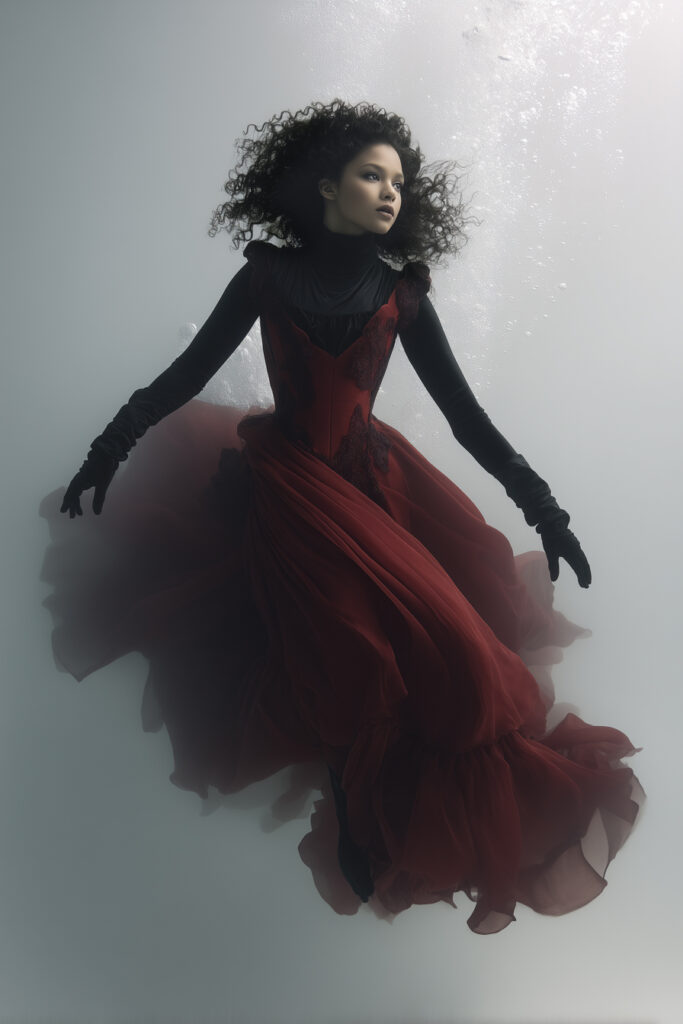
I blended the cut subject with the background image in CS6. The difficulty lies with blending the hair strands. There are several ways of working around this, a key point is to keep the background in the subject image close in tone to the area in the image into which you drop the subject. That way individual strands won’t get lost and will make the result more realistic. When you isolate the subject from the original background, invariably, detail gets lost, but keeping contrast high, reloading the selection and contracting the selection by one or two pixels to make a new selection (ctrl-C, ctrl-V) and then mask the original and brush back in where necessary. This post is not about subject isolation. Maybe I will do one on that some other time, but there are plenty of others who have done it already.
To blend subject and background, I usually copy the background layer, set blending mode to color, Gaussian blur it by 100 pixels, move the new layer above the subject, link it to the subject layer (ctrl-alt-G) and adjust the opacity until the tones in subject and background match better. You will probably need to link levels and or curves layers to the subject layer as well to match lighting and contrast.
In this instance, I used a hue/saturation layer to bring out the red tones in the dress and a background color layer as described above at an opacity of 40%.
I then created a transparent layer and used CS6 brushes to created the bubbles.
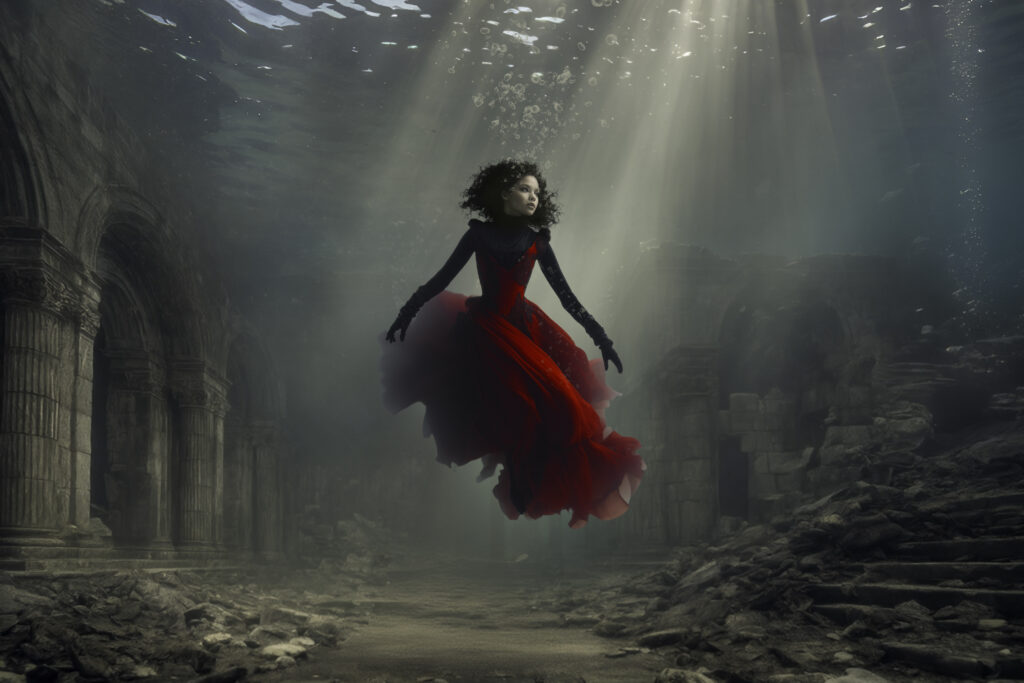
Finally, I made some adjustments in Lightroom and ran it through a custom ‘recipe’ in NIK filters by DxO.
While I named the creation the ‘ascent of Karla’, it could be the ‘descent of Karla’, but ascent has a better connotation. And, in case you were wondering, Karla was the first name that popped into my head. In any case, I rarely give creations titles, perhaps I should give that instinct some thought….